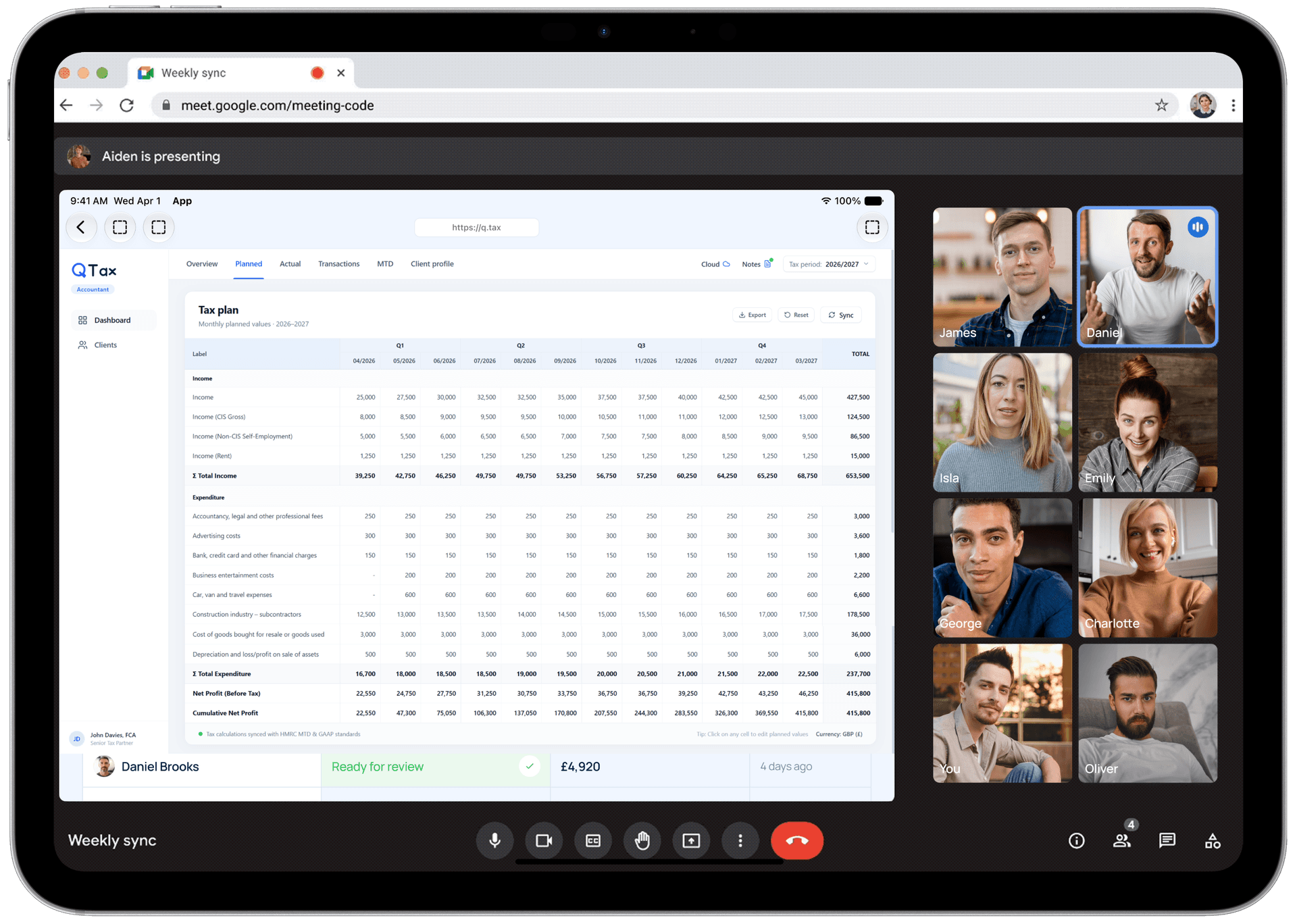
From reconciled records to advice you can bill for
Follow one client through a full year, from the records they already have and efficient preparation, to a current tax position, professional judgement, advice and final filing.

Your side: the Practice Portal. Six steps, in the order they happen.
Records in, kept current, advice, then filing.
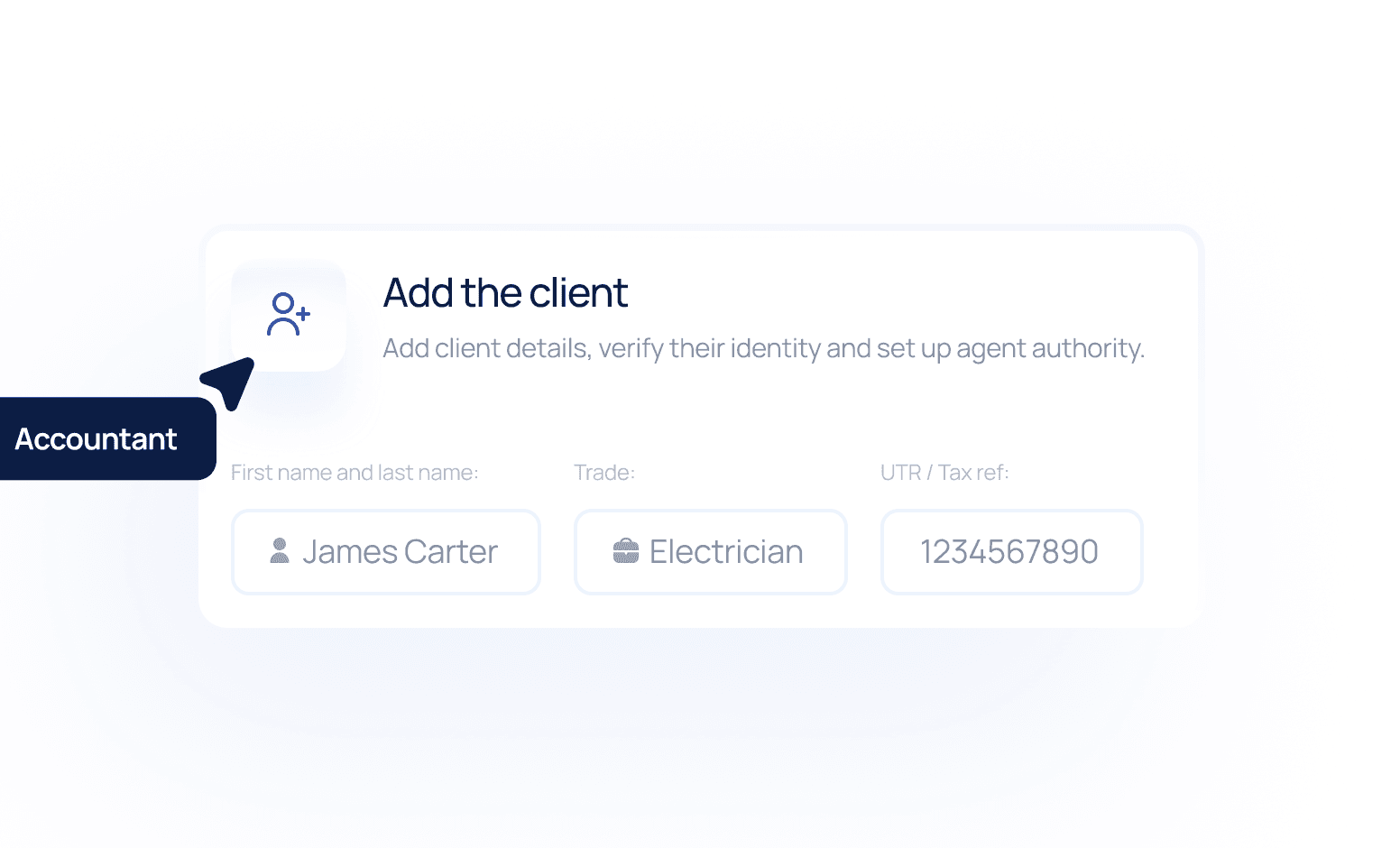
Add the client
Add the client and verify their identity, or skip that if you have already done it. Set up HMRC agent authority and set their trade, so categorisation knows what normal looks like. The practice controls every hand-off.
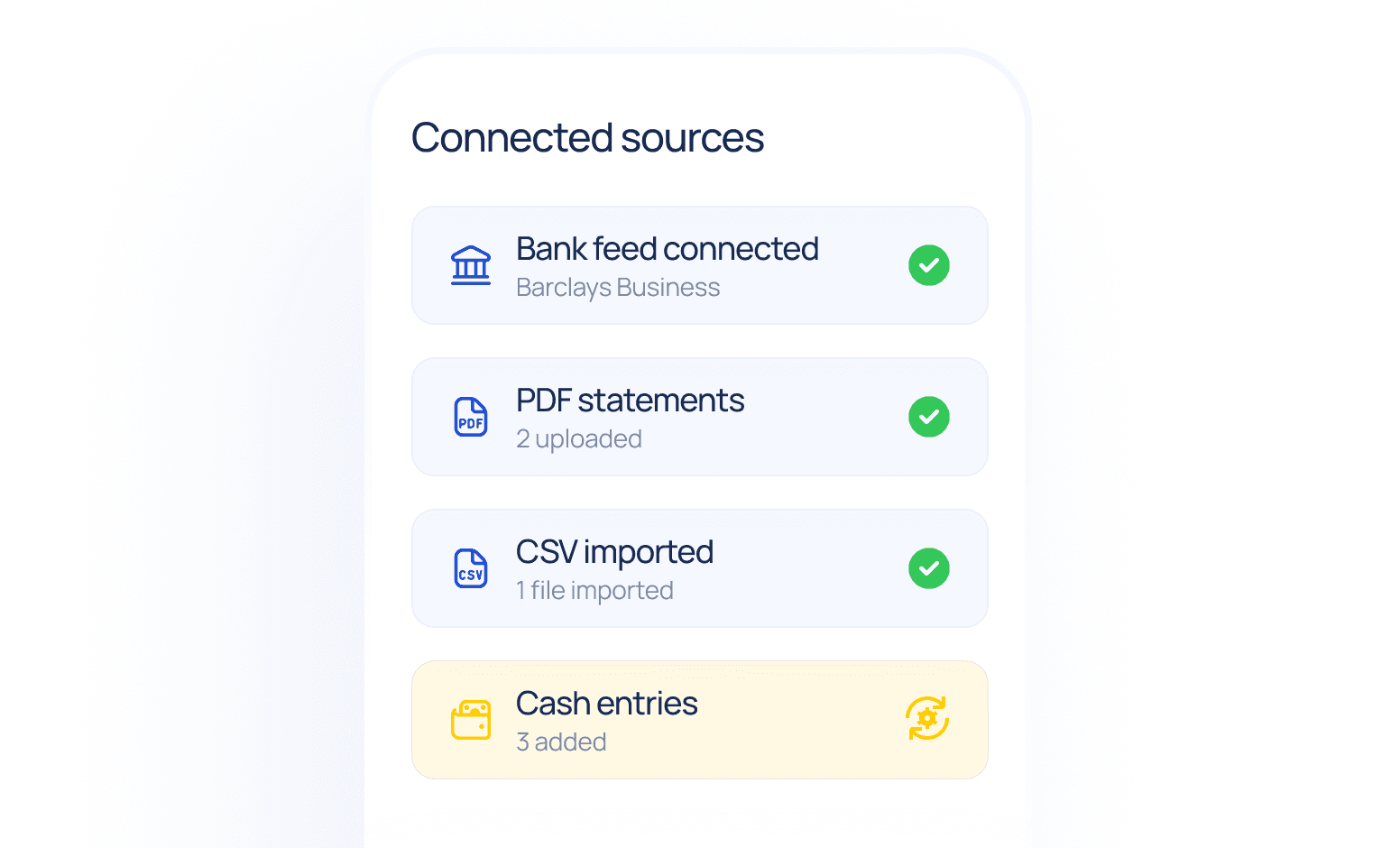
Connect the data
A read-only Open Banking feed brings transactions in continuously, with feed health shown per client, so a broken connection shows up in days rather than at quarter end. Clients who prefer it can send PDF or CSV statements, and cash work can be added by hand.
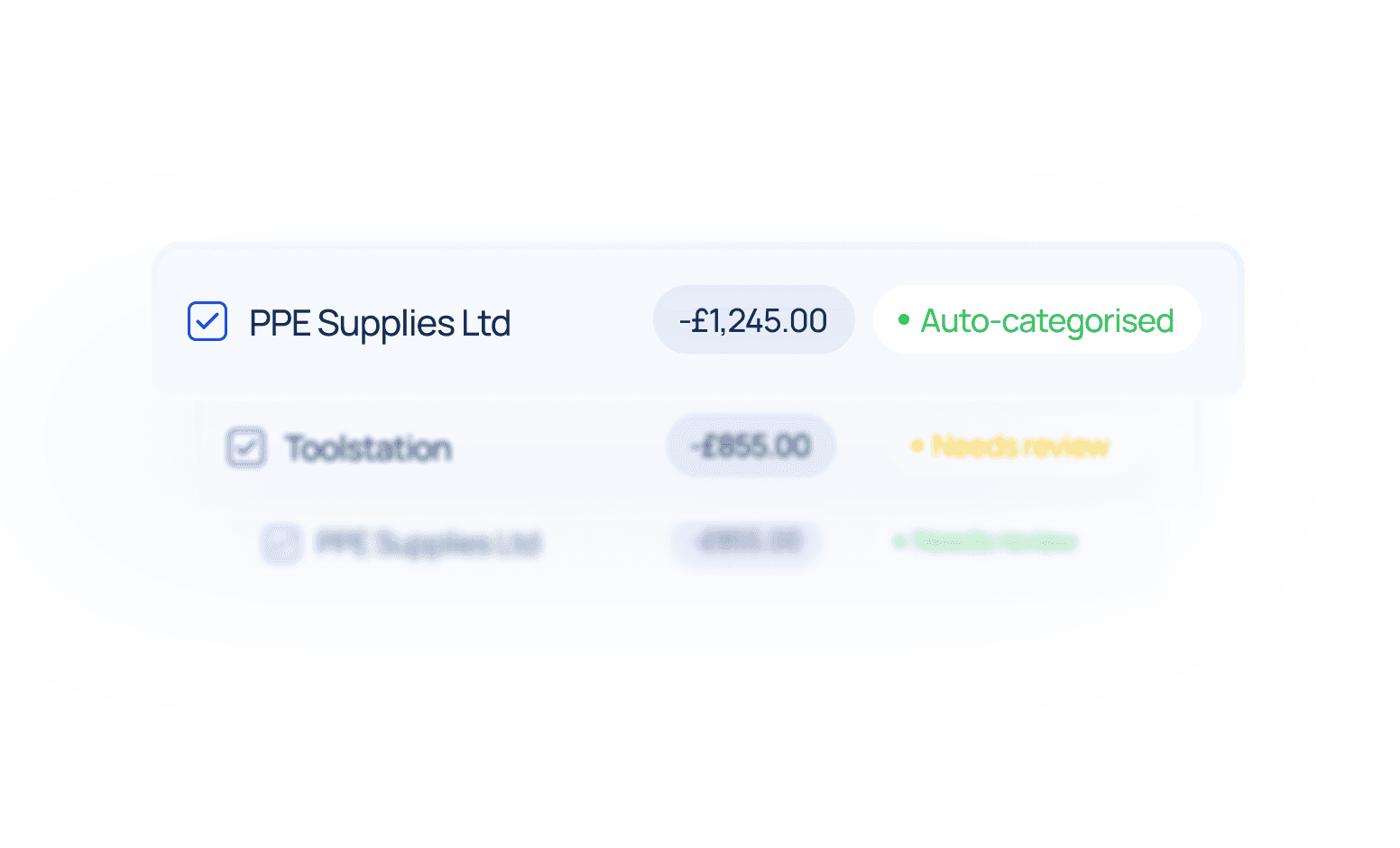
Reconcile and categorise
AI learns from your previous categorisation decisions and suggests whether each transaction is a business or personal expense. Your team stays in control, reviewing and correcting where needed, with receipts attached to each entry.
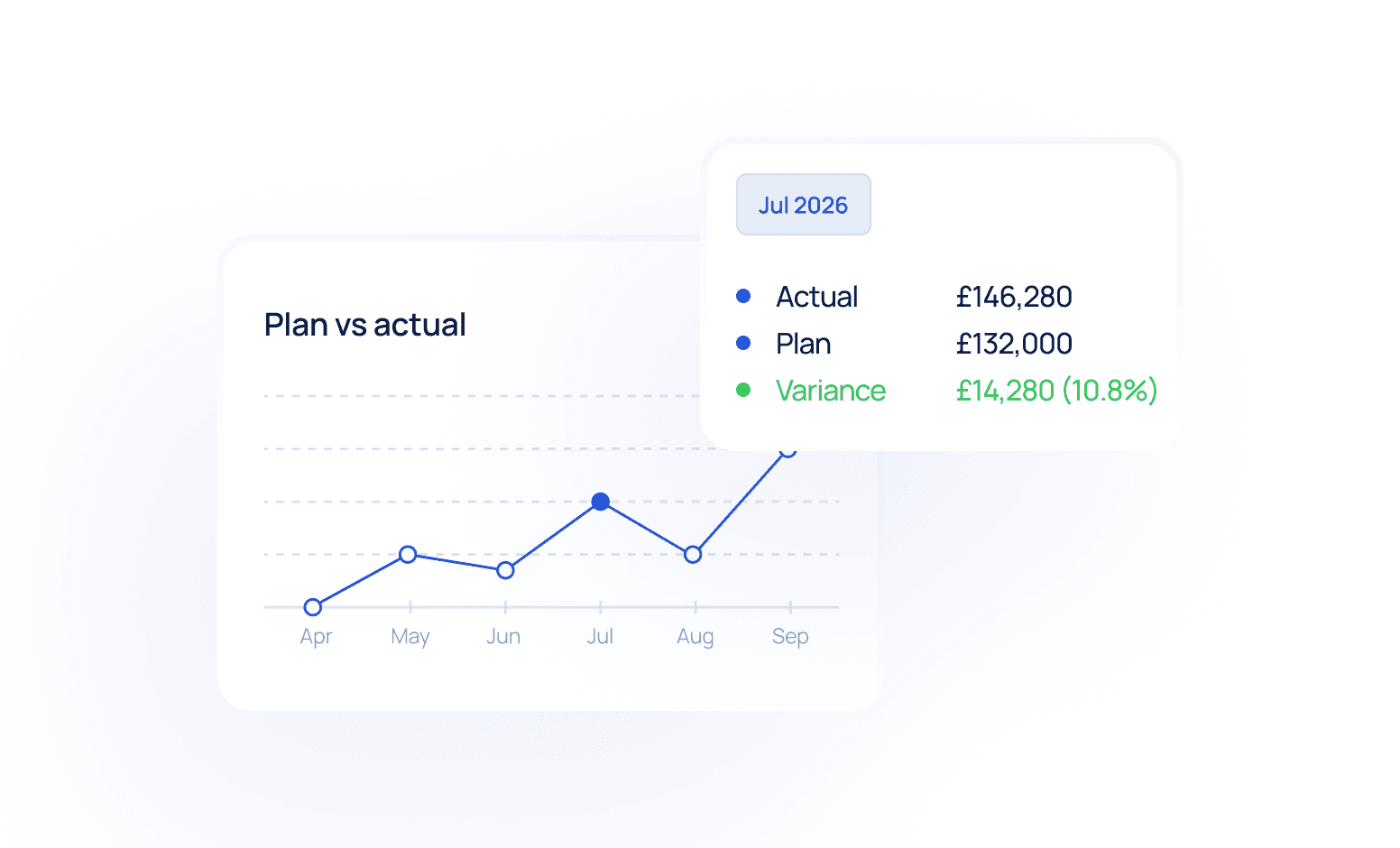
Track against plan
The same records used for quarterly compliance show whether the client is moving away from plan, with CIS tracked through the year. You see how a client is doing without waiting for year end.
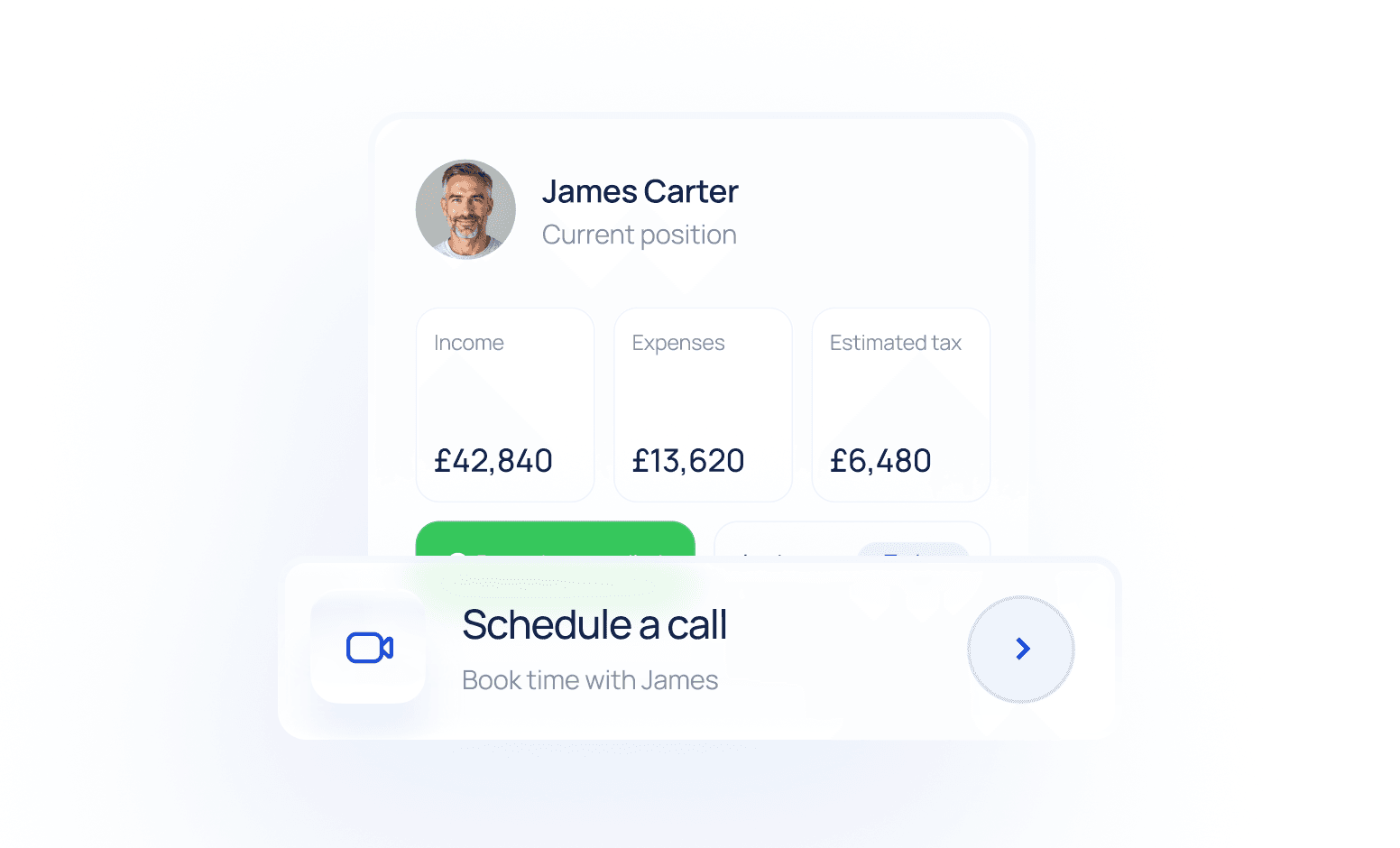
Advise while it still matters
With current records in front of you, the questions worth raising are easier to see, before year end while there is still time to act. Q Tax Agent handles collection, reconciliation, calculations and monitoring. Your team decides, and nothing reaches a client without your approval.
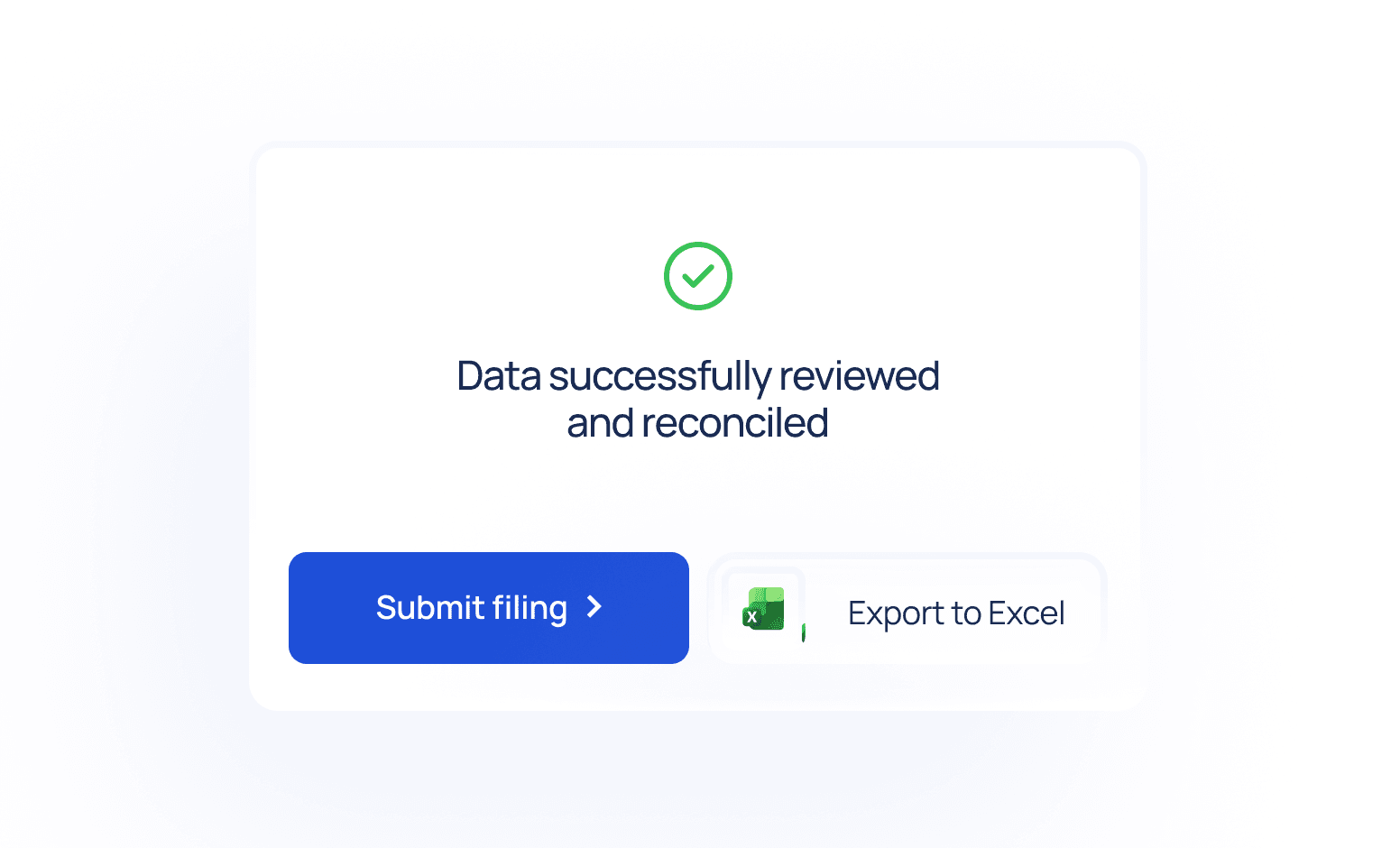
Filing follows from work already done
When a quarterly update or the SA100 is due, the records are already reconciled and reviewed. File under your HMRC agent authorisation, without the client's Government Gateway login, and export to Excel. Filing becomes the last step, not another preparation exercise.
Your client's side: the Client Portal. The same system, a simpler door.
Under your practice's brand and by invitation. The client gets two separate things, on purpose.

A portal account
For the recurring things: connect the bank once, capture receipts, see a running estimate of what they'll owe.

One-click secure links
For one-off questions. When a payment needs explaining or a deduction confirming, the client answers a single question from a link, no login required.

The client sees the ongoing picture and can answer quick questions, but they can't file anything themselves.
The practice keeps oversight and filing control the whole way through.
Filing tool vs Q Tax Agent
| A filing tool | Q Tax Agent |
|---|---|
| Optimised for the submission | Makes preparation and filing efficient |
| Value concentrated around the deadline | Keeps records current between deadlines |
| Preparation repeated for each filing | Maintains a view of the client's position through the year |
| Client data used mainly for compliance | Turns compliance data into a foundation for review and advice |
See what Q Tax Agent looks like for your book.
We'll walk you through the product and how pricing works.